
A professional IPTV player for every screen
RODX is an IPTV player for the Xtream Codes subscription or M3U playlist you already own: low-delay live TV with a full programme guide, movies and series with posters and details, in one interface on your TV, phone and tablet.
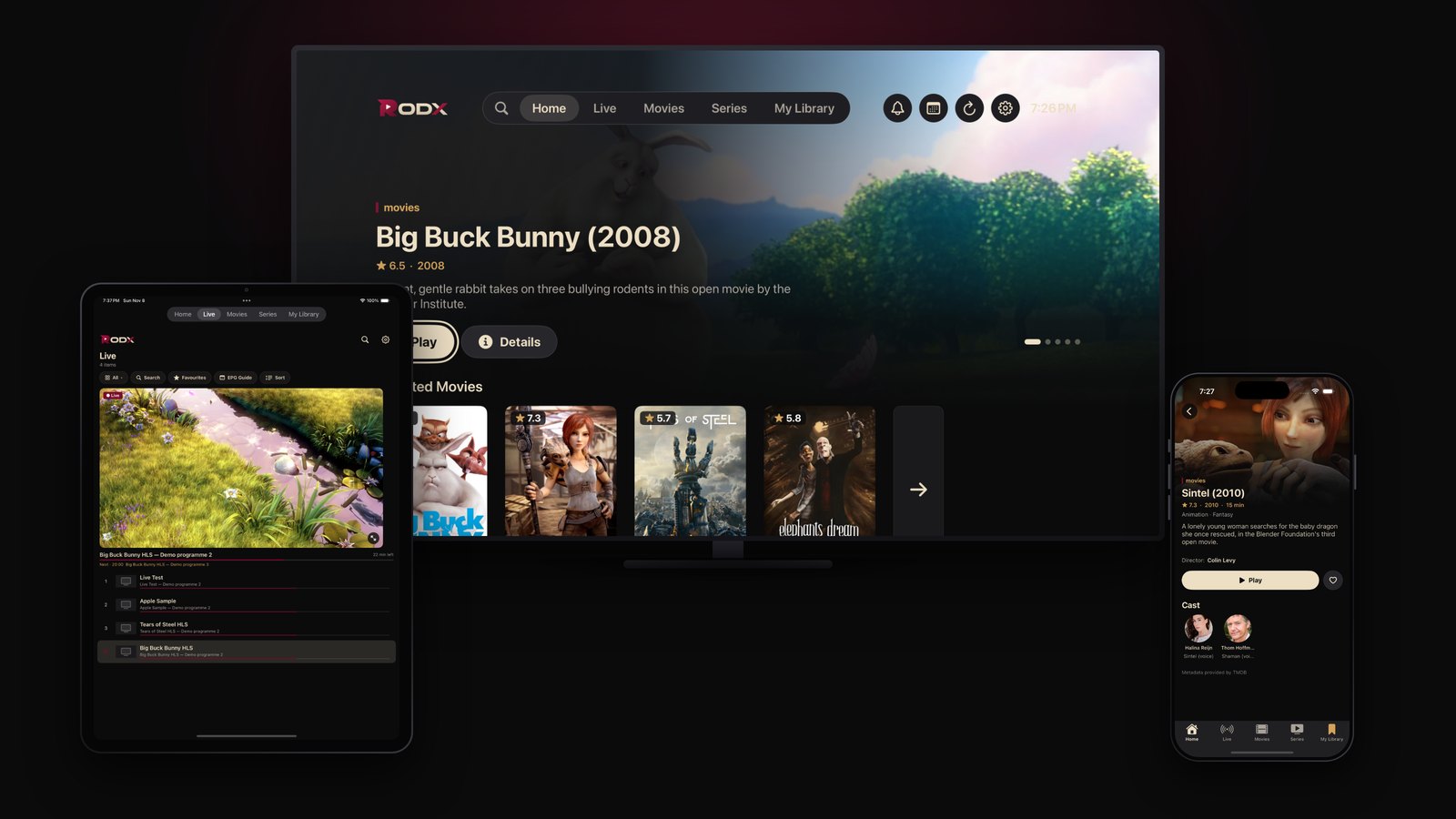
Why RODX is the IPTV player you are looking for
Xtream Codes and M3U playlists
Sign in with an Xtream Codes account (server, username, password) or paste an M3U playlist link. On a TV, scan the QR code and type your details on your phone.
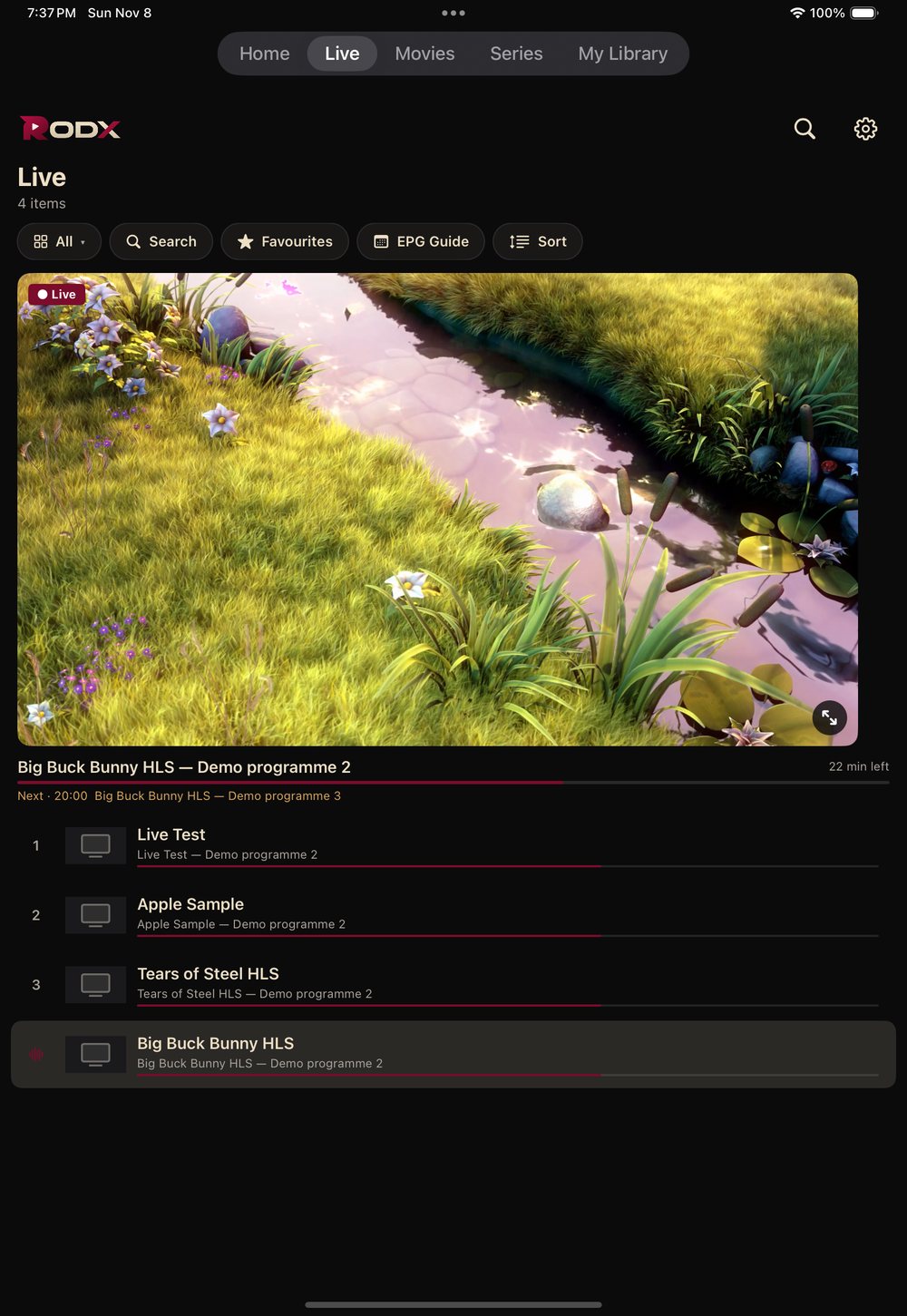
Live TV with a programme guide
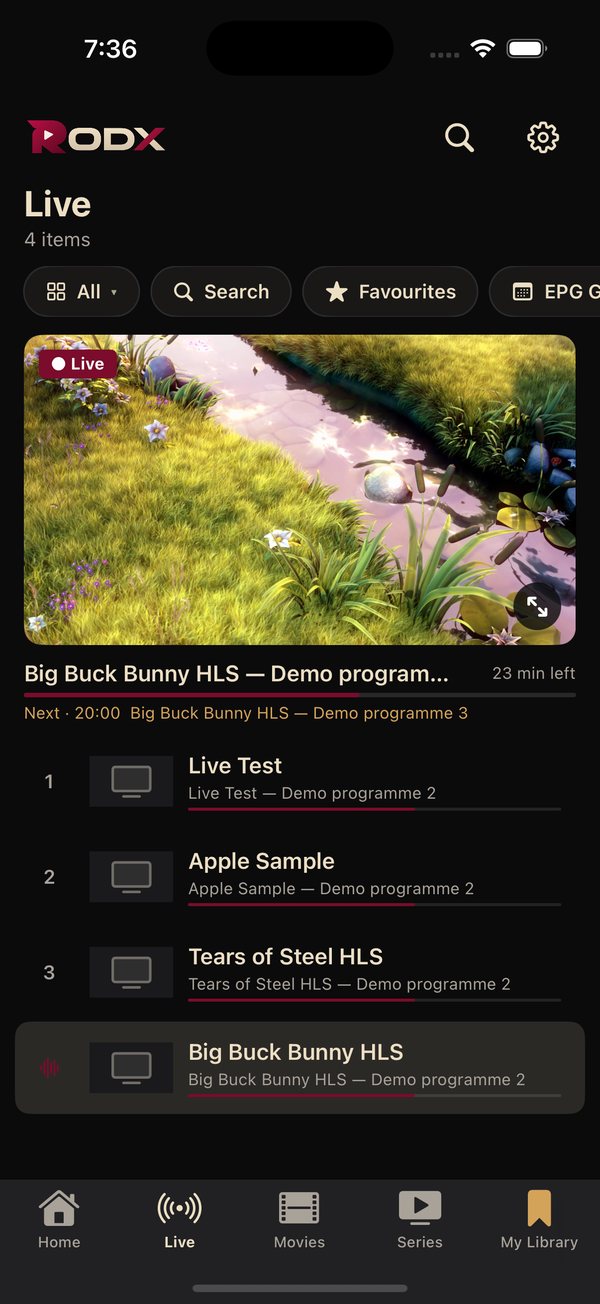
Channels grouped by category with favourites and search, an EPG with now-and-next and the full schedule per channel, and the channel list inside the player.
Low delay for sport and events
Live playback tuned to the edge of the stream with an adaptive buffer, quick channel switching, and frame-rate matching on TV for a steady picture.
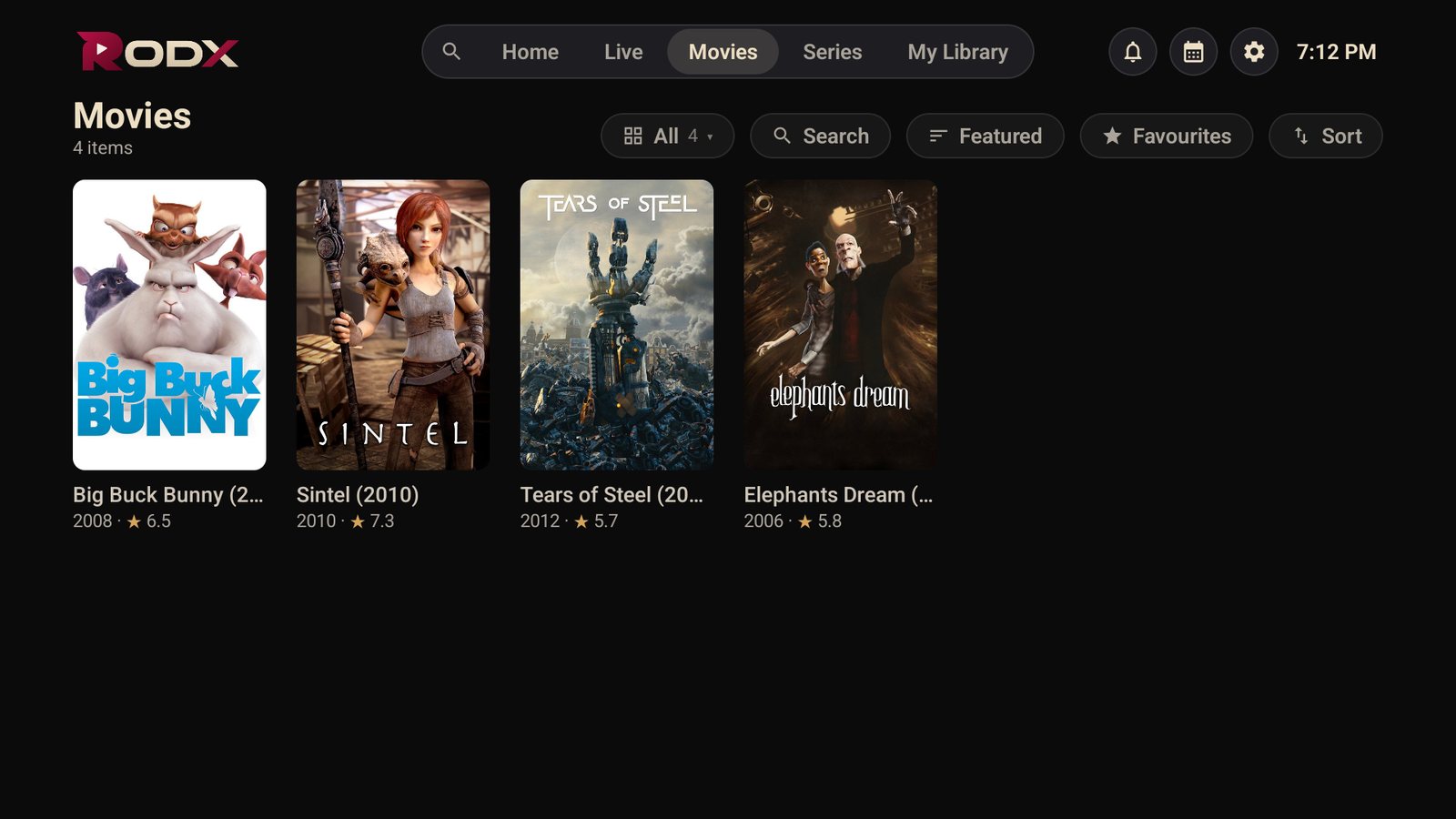
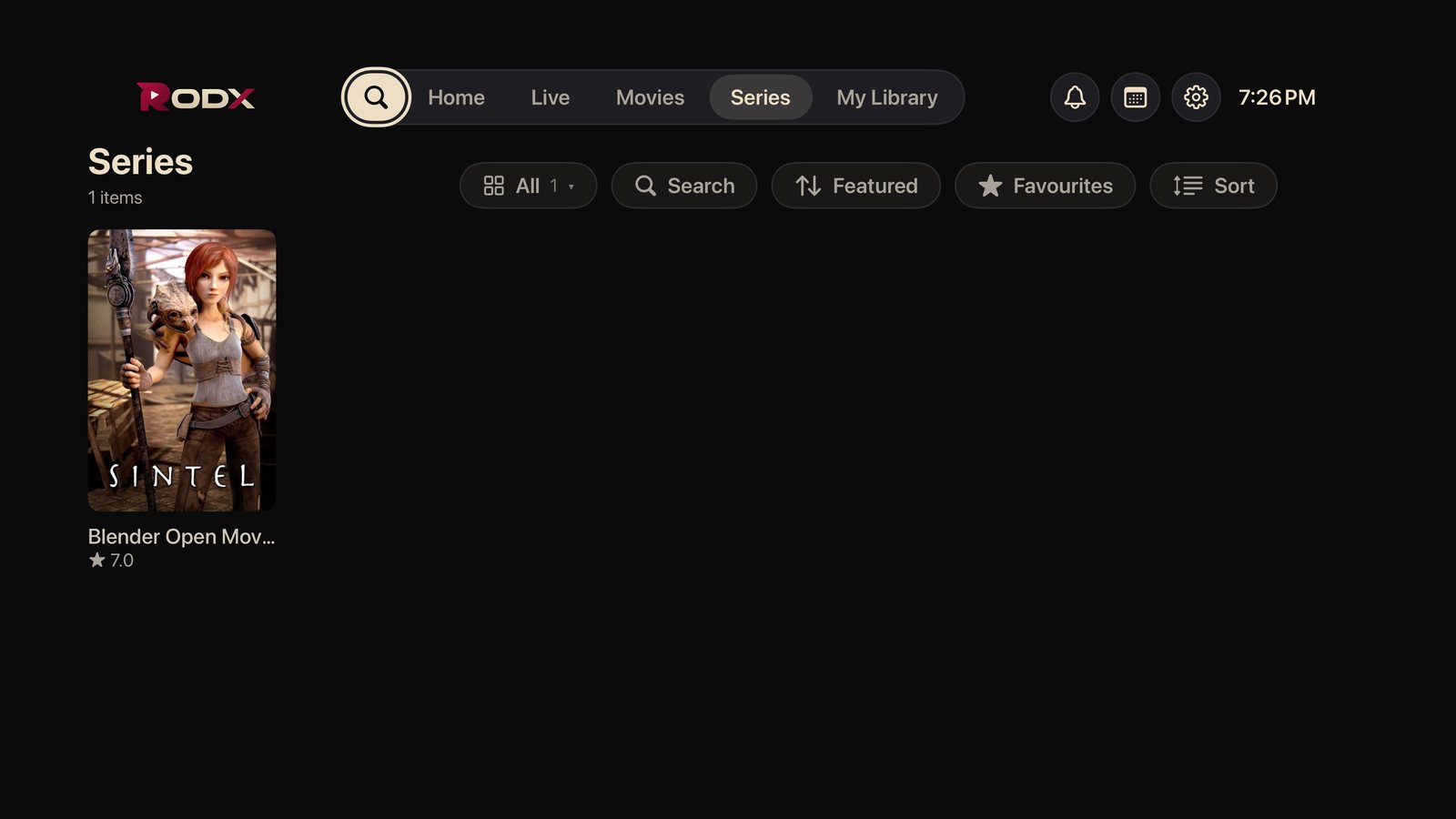
Movies and series with full details
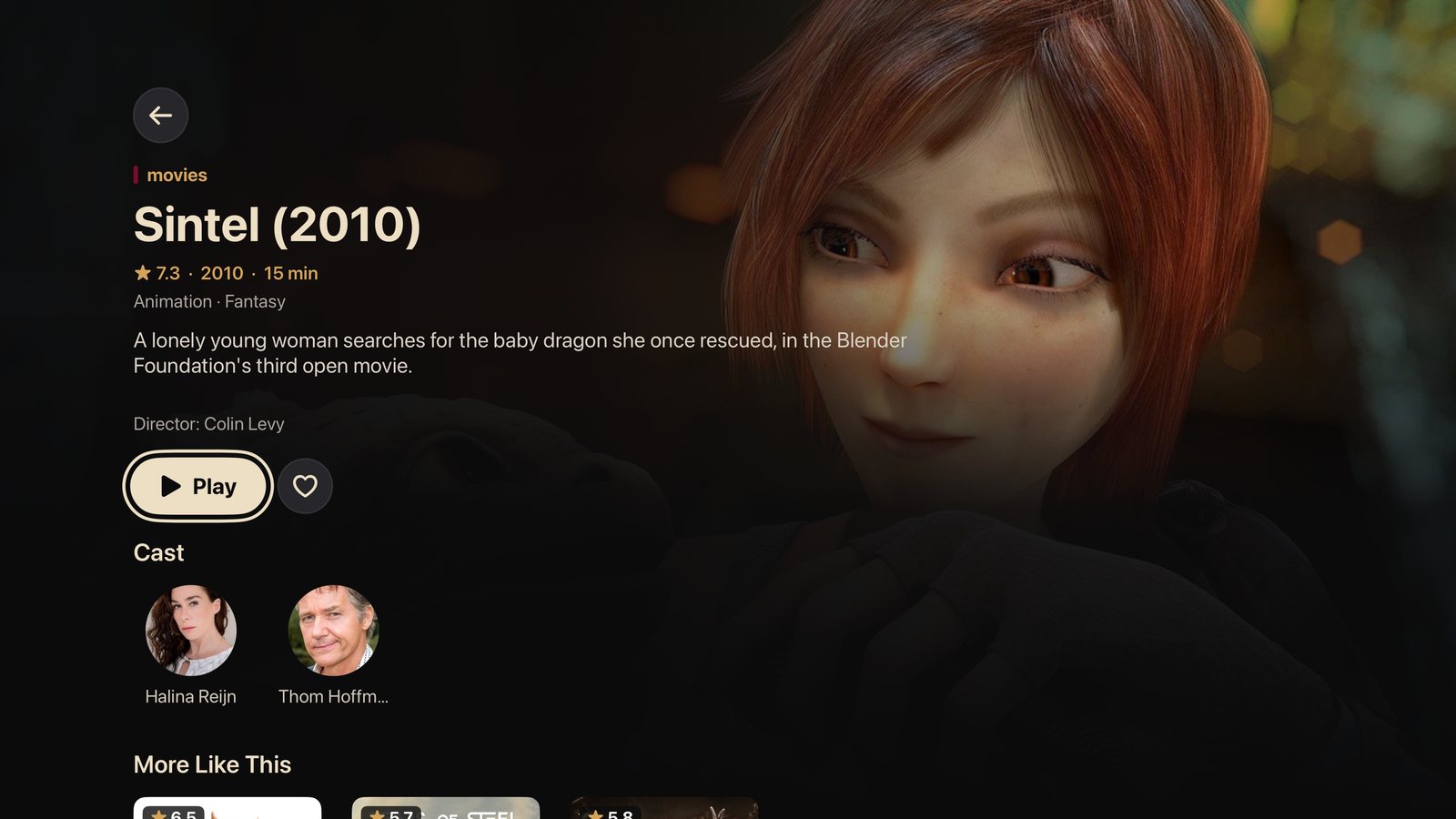
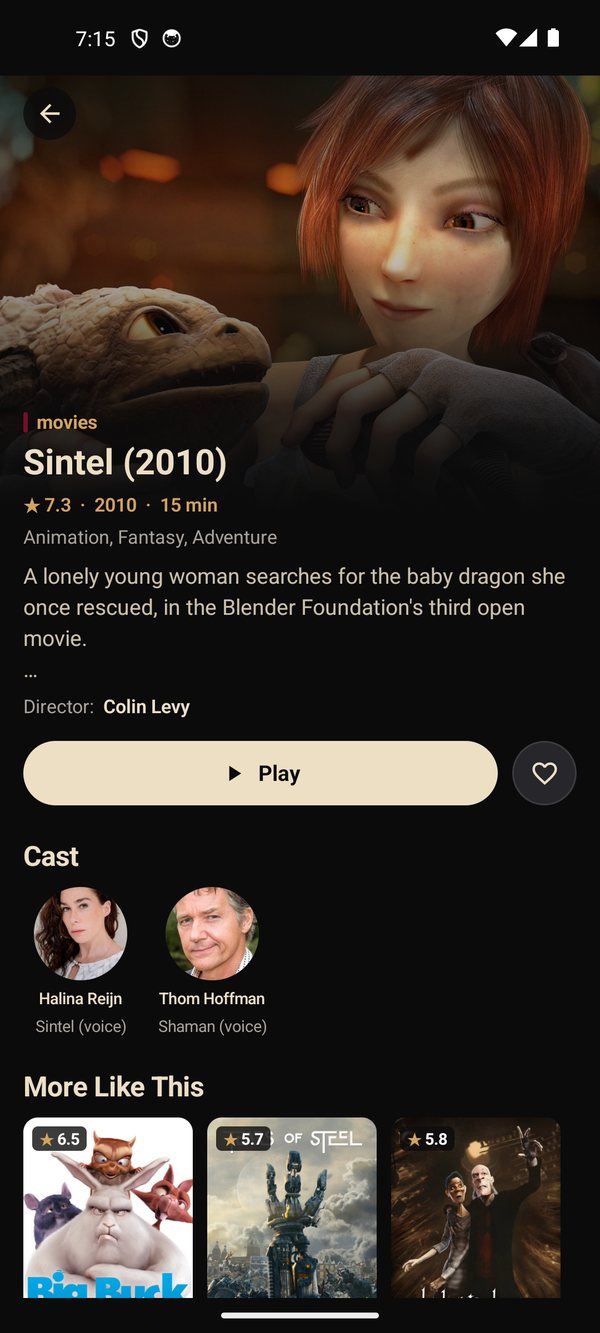
Posters, ratings, cast and synopsis from TMDB, seasons and episodes, continue watching where you stopped and the next episode automatically.
A professional player
Subtitles and multiple audio tracks, subtitle size, playback speed, aspect ratio, and 4K, FHD and HDR quality badges when your provider supplies them.
My Library
Favourites and continue watching in one place, with category sorting and hiding.
Parental lock
A PIN for locked categories so that only family-friendly content stays within reach.
Four languages
Arabic, English, French and Spanish, following your device or your choice.
An IPTV player on all your devices
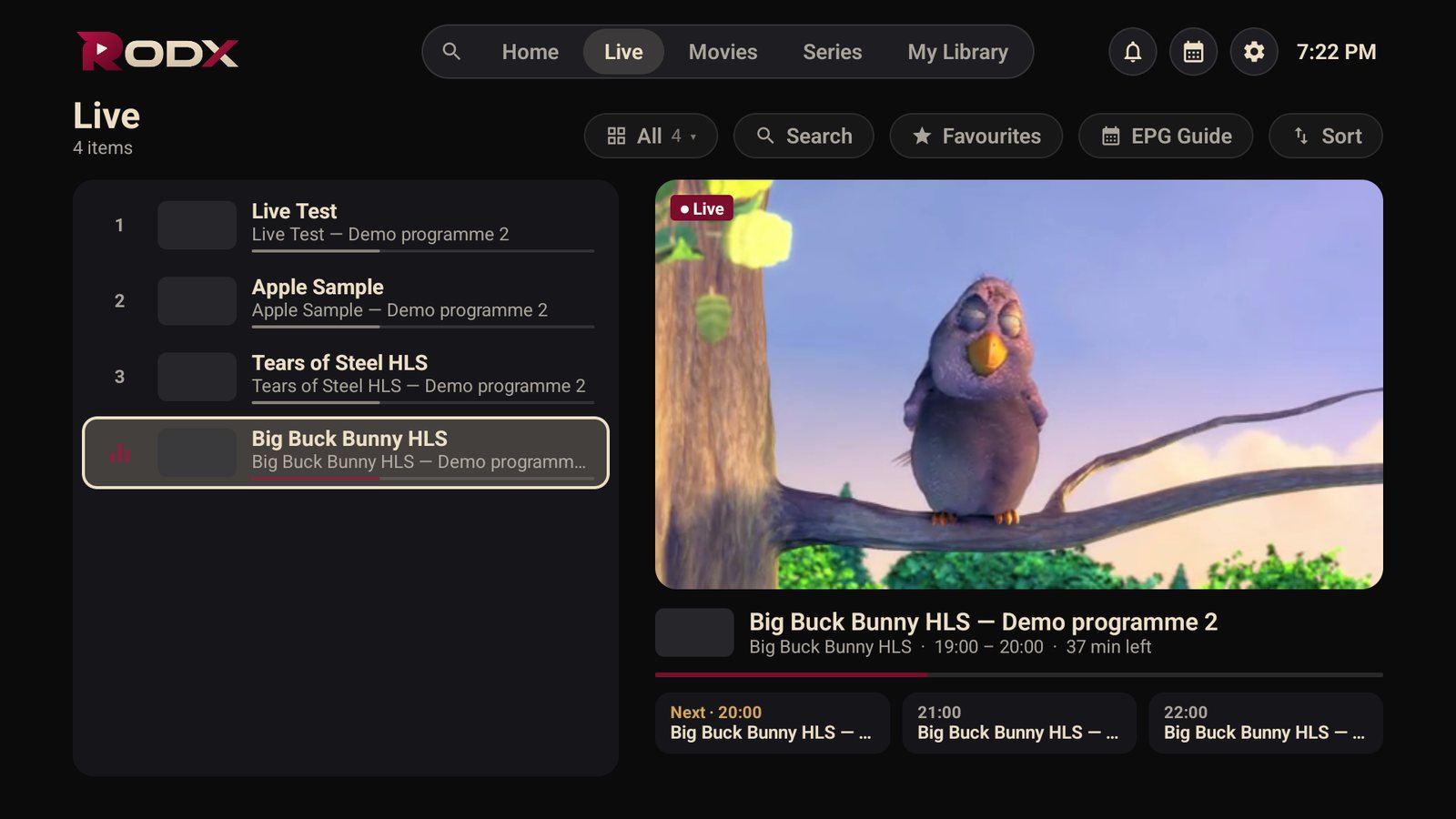
IPTV player for Android TV and Fire TV
A remote-first interface on Android TV, Google TV, Fire TV Stick and Android boxes.
Learn more →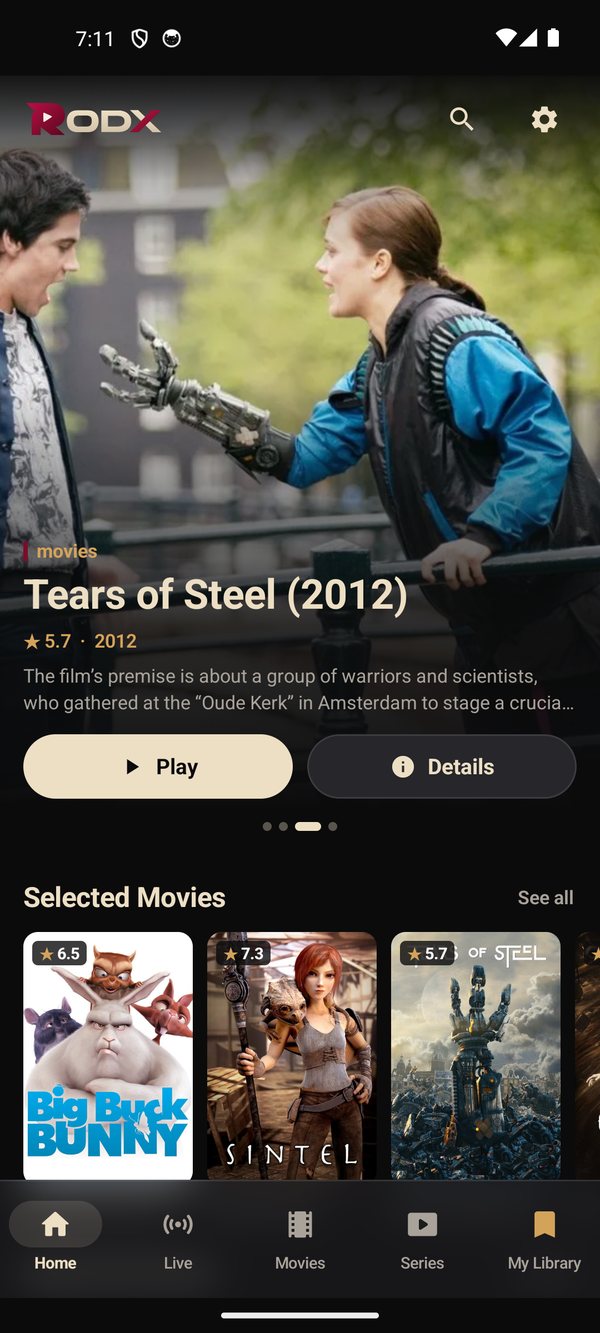
IPTV player for Android phones
The same app with a touch design on your phone and tablet.
Learn more →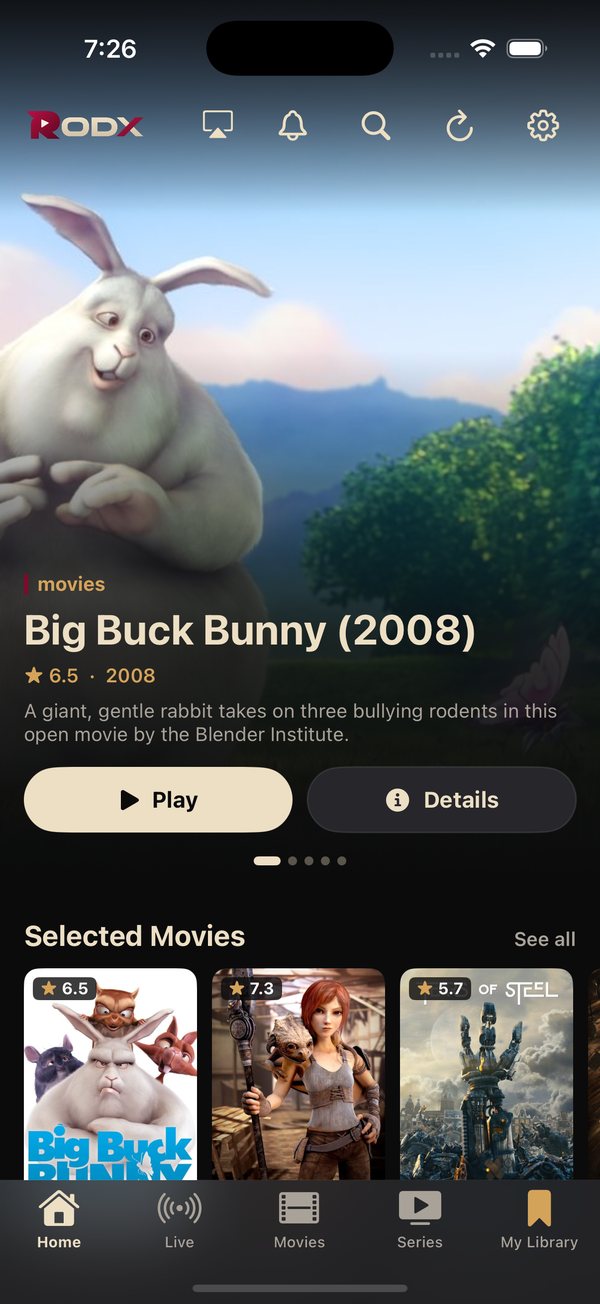
IPTV player for iPhone and iPad
A native iOS app with AirPlay and a layout that makes use of the iPad screen.
Learn more →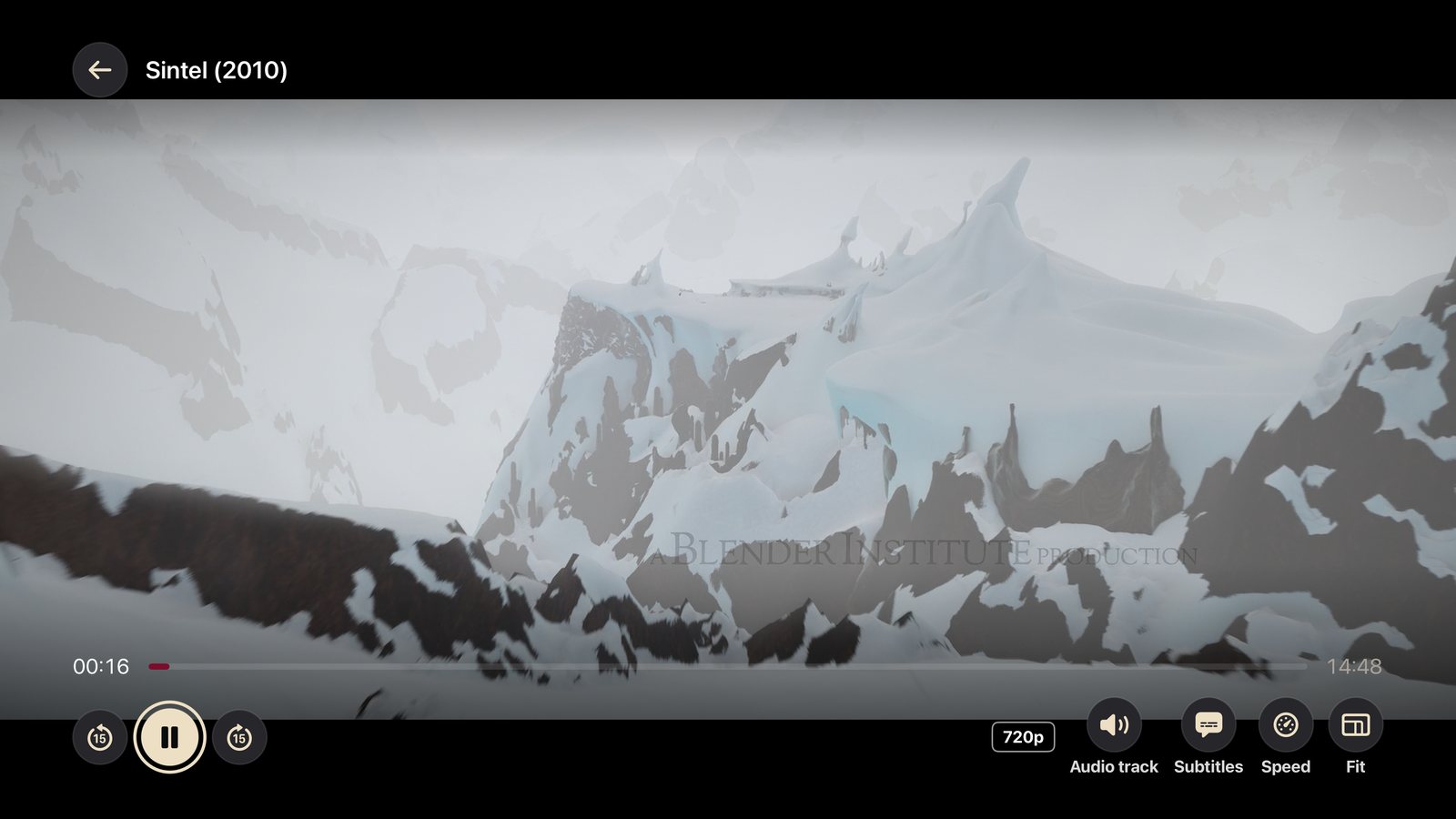
IPTV player for Apple TV
The full TV experience on Apple TV with the Siri Remote.
Learn more →Start in three steps
- 1
Download the app
From the App Store, Google Play or a direct link for Android devices. All the ways here.
- 2
Sign in
Enter the Xtream Codes details from your provider, or an M3U link, or scan the QR code on the TV and finish on your phone.
- 3
Watch
Live TV with the guide, movies and series with details, and your library inside the app.
Screens from the app

Popular guides
Install IPTV on Fire TV Stick
Fire TV Stick does not carry RODX in its store, but installing it takes five minutes with the free Downloader …
Add an M3U playlist
An M3U link is a playlist file your provider sends you. Adding it to RODX takes a minute on any device.…
Fix IPTV buffering
Buffering comes from three places: your network, your device, or your provider's server. Try these steps in or…
Xtream Codes vs M3U
Both formats reach the same subscription, but what the app gets from them differs. Here is the difference with…
Try the IPTV player before you sign in
The “Browse as Demo” button on the sign-in screen opens a built-in demo with openly licensed films and public test streams, so you can explore every screen without an account.
▶ Browse as Demo
Frequently asked questions
Does the app include channels?
No. RODX is an IPTV player only; it shows the content of your own subscription with your provider.
What do I need to sign in?
Xtream Codes details (server URL, username, password) or an M3U playlist link from your provider.
Does the same account work on several devices?
The app accepts your details on any device; the number of simultaneous streams is set by your provider.
Can I try it without a provider?
Yes. “Browse as Demo” on the sign-in screen opens a built-in demo with no account.
Ready to watch?
Download RODX on your device and sign in with your subscription details.
Download the app