
IPTV player for Android TV and Fire TV Stick
RODX is an IPTV player for TV with an interface built for the remote from the first screen: D-pad navigation, a channel list inside the player, a full programme guide, and sign-in from your phone by scanning a QR code instead of typing with the remote.
Screens from the app
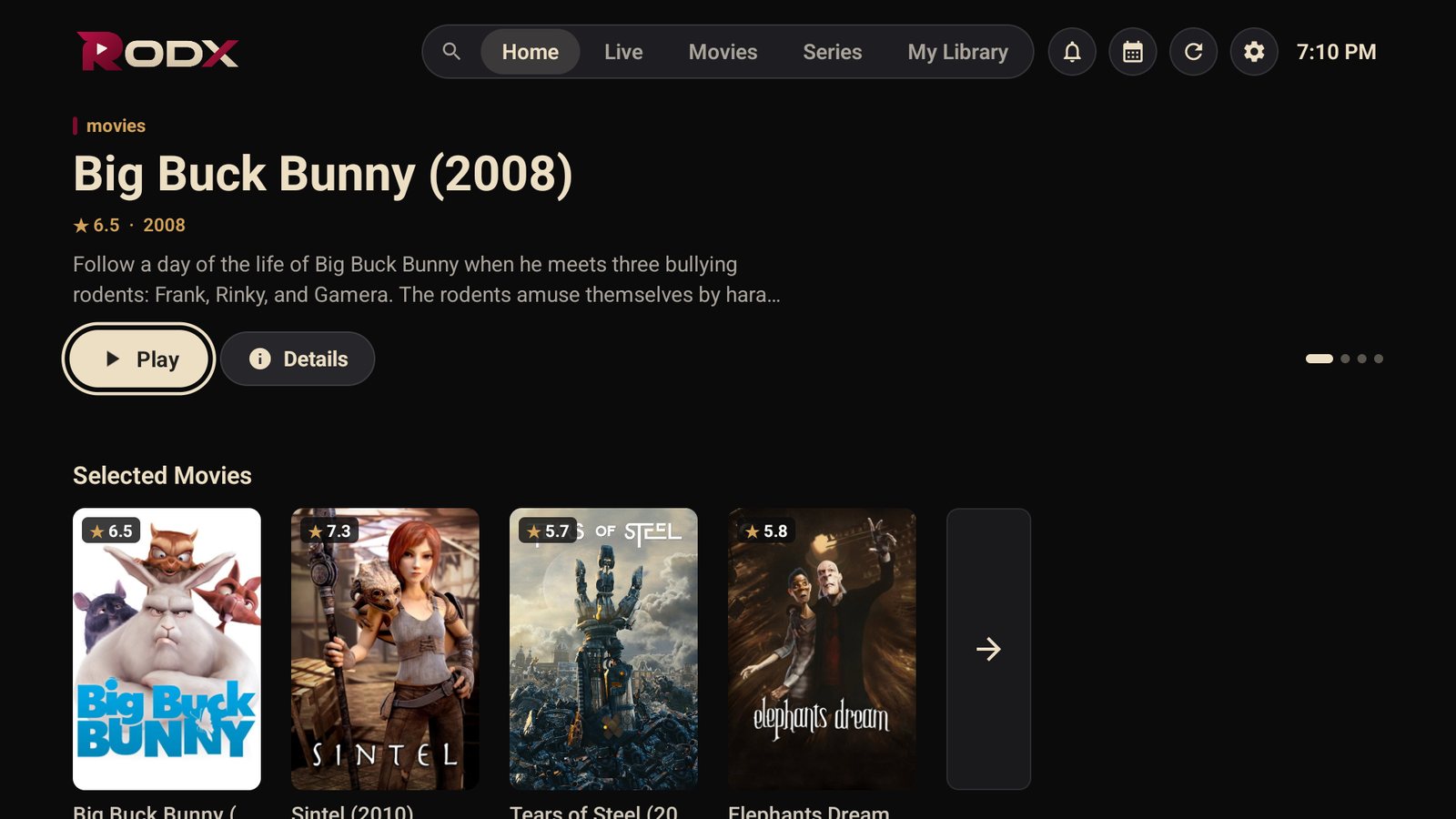
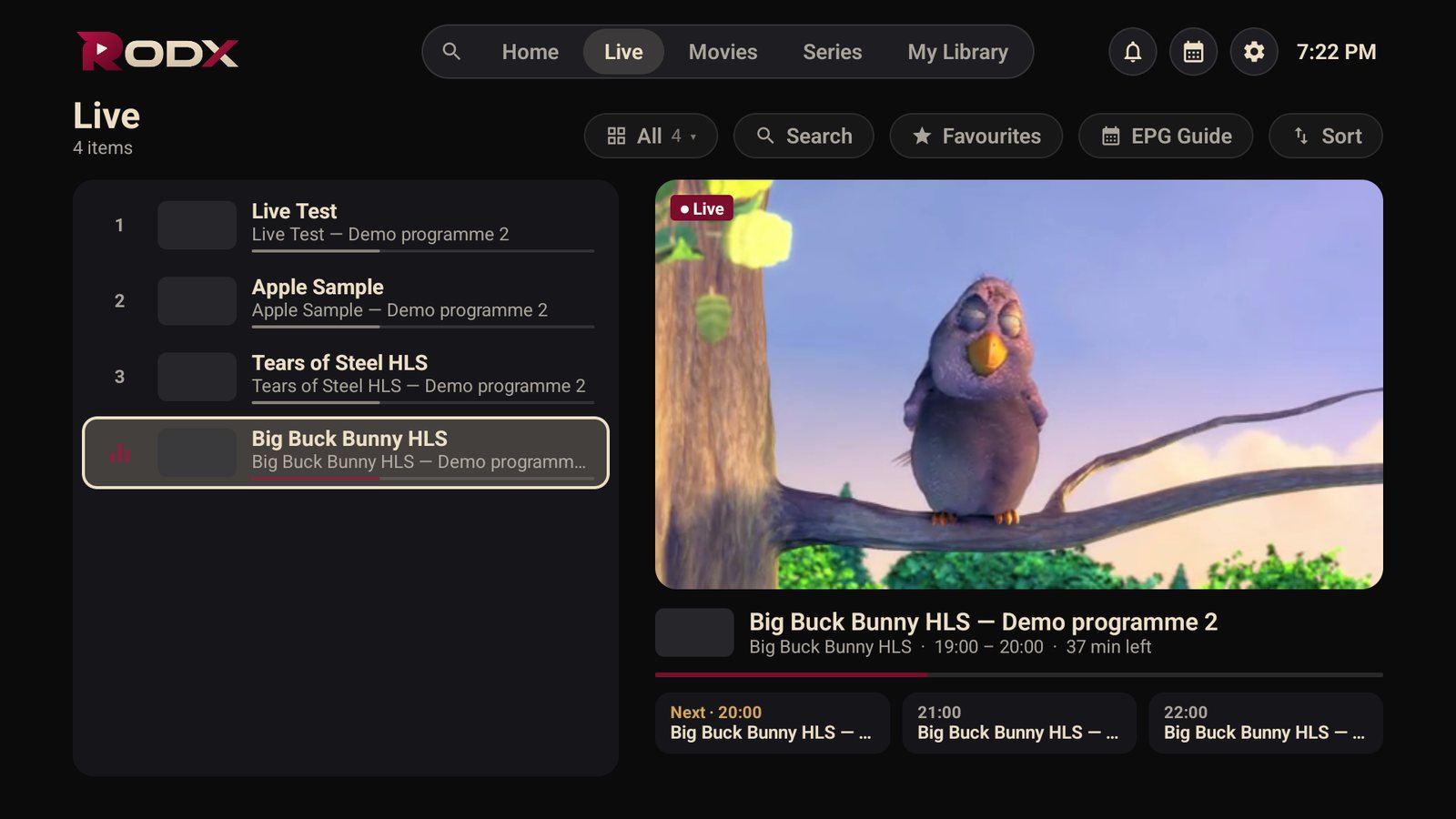
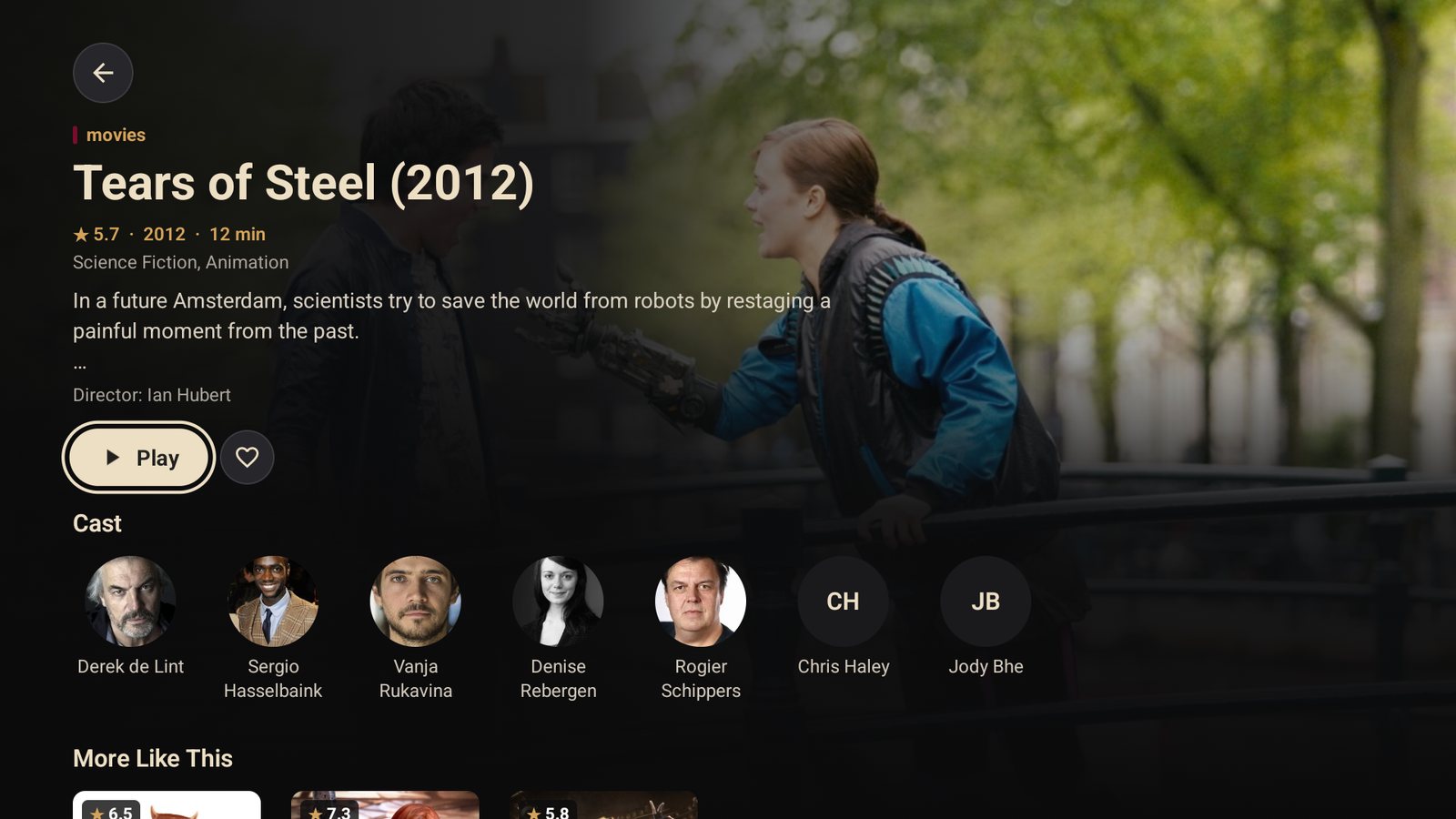
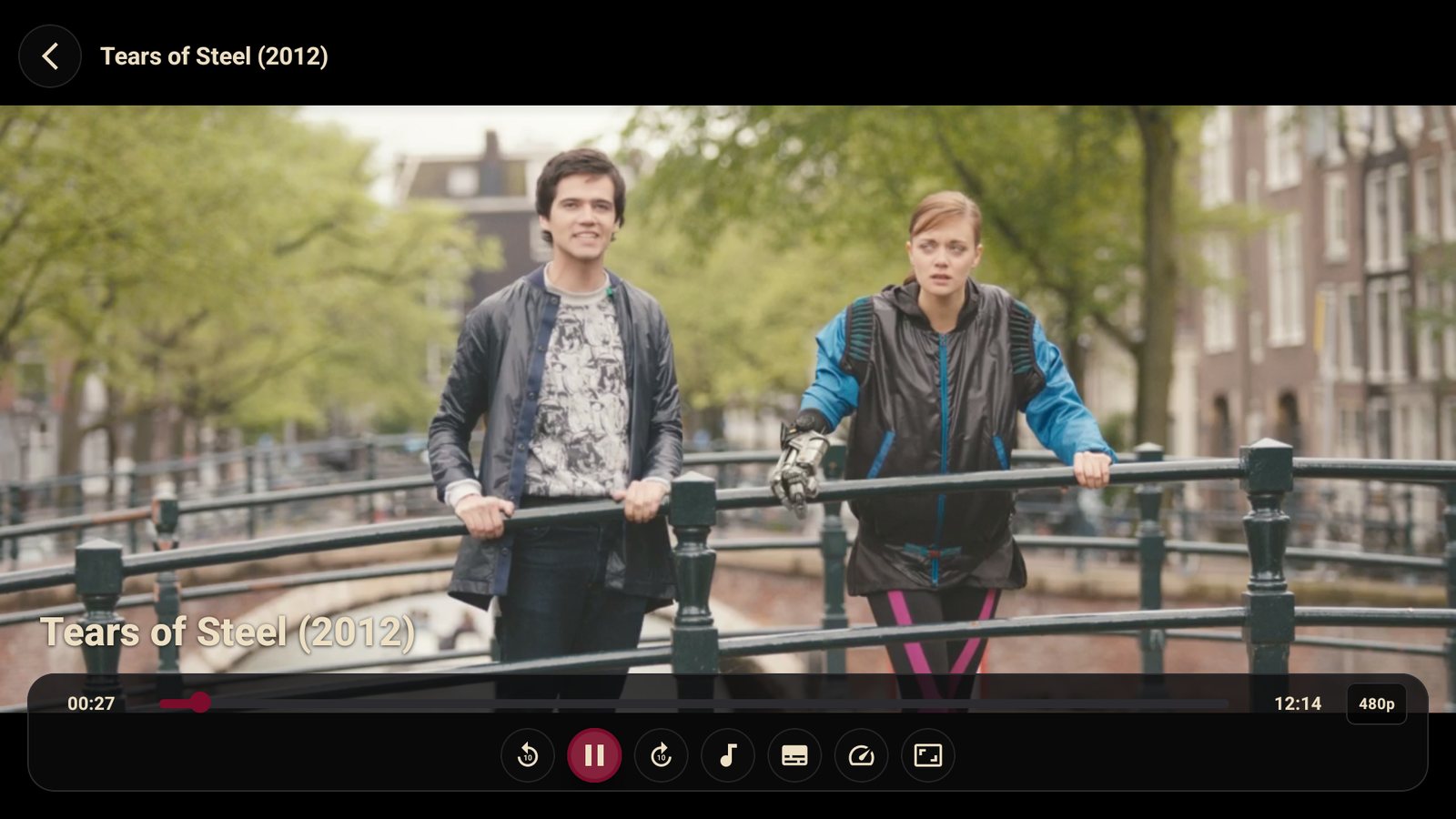
Why RODX is the IPTV player you are looking for
- Sign in from your phone: scan the code on the TV and type your details on the phone
- EPG with now-and-next and the full schedule, and the channel list inside the player
- Frame-rate matching (50/60 Hz) for a steady picture in sport
- Movies and series with posters, cast and synopsis, and continue watching
- Subtitles, audio tracks and 4K quality when your provider supplies them
- Four languages and a parental lock
How to install
From Google Play
Search for RODX in Google Play on your TV and install it. Coming soon
With the Downloader app (easiest on a TV)
Install Downloader from the store, allow it to install apps under Settings → Privacy & security → Unknown apps, then open it, type the code
…, press Go and Install. Full step-by-step guide.Direct link
In the TV browser or Downloader type
rodxplayer.app/rodx.apkand install the file.
Requirements: Android TV 6.0 or later, Fire OS 6 or later. About 40 MB.
Frequently asked questions
Does it work on Fire TV Stick?
Yes. Install it with the Downloader app and the code above; everything works with the Fire TV remote.
How do I type my sign-in details easily?
Choose “Sign in from phone” on the sign-in screen, scan the code with your phone camera and enter the details there.
Does the TV need an activation?
The Google Play build needs nothing. The direct APK build comes with a 7-day trial and then an activation from the activation page.
Ready to watch?
Download RODX on your device and sign in with your subscription details.
Download the app